Surfshark: Secure VPN service Free 149.09 MB 3.30.2
You can now download the App For Free.
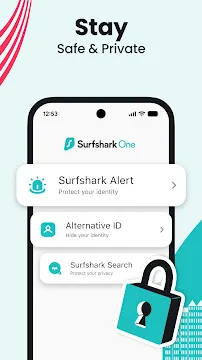
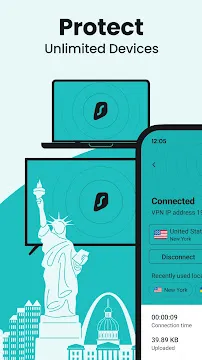
Surfshark: Secure VPN service protects your online identity and personal data across various public and private networks. This powerful application encrypts your outgoing internet traffic to prevent unauthorized parties from tracking your digital activities. Consequently, you can browse the web safely while shielding your private credentials from malicious third-party... Read more
Screenshots
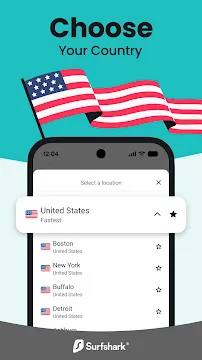
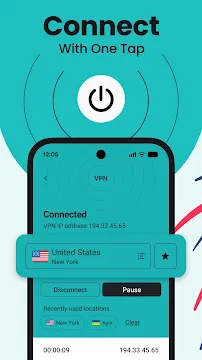
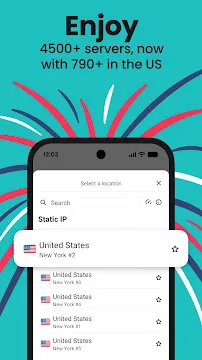

How To Install APK Files On Android Devices
APK stands for Android Package Kit, and it’s basically a way to install apps on your phone without using the Play Store.
Enabling Unknown Sources:
- Open Settings on your Android device.
- Tap on “Security” or “Apps & notifications” (depending on your Android version).
- Find the setting called “Unknown sources” and toggle it on.
- You might see a warning message – that’s okay, just tap “OK” to confirm.
Installing the APK:
- Download your APK file from a trusted source.
- Open your device’s file manager app (like “Files” or “Downloads”).
- Tap on the downloaded APK file.
- You’ll see a prompt asking you to confirm the installation. Tap “Install”.
- The app will start installing. It might take a few minutes depending on the size of the app.
- Once it’s done, tap “Open” to launch the new app!
With these steps, you can easily install APK files on your Android device.
-
F1 VM
 Download
F1 VM picture-in-picture android virtual machine
F1 VM picture-in-picture android virtual machine provides...
- NetShare
- 9Apps
- Gboard
- Android Accessibility Suite
- Samsung TalkBack
- RegiStar
- HTTP Injector